
Caller ID can be spoofed
A scam call may appear to come from your loved one’s real phone number.
A private safety check for your family
ScamDefend gives families a private way to verify urgent requests before sending money, sharing codes, or changing sensitive account information.
Private verification for the people you trust most.
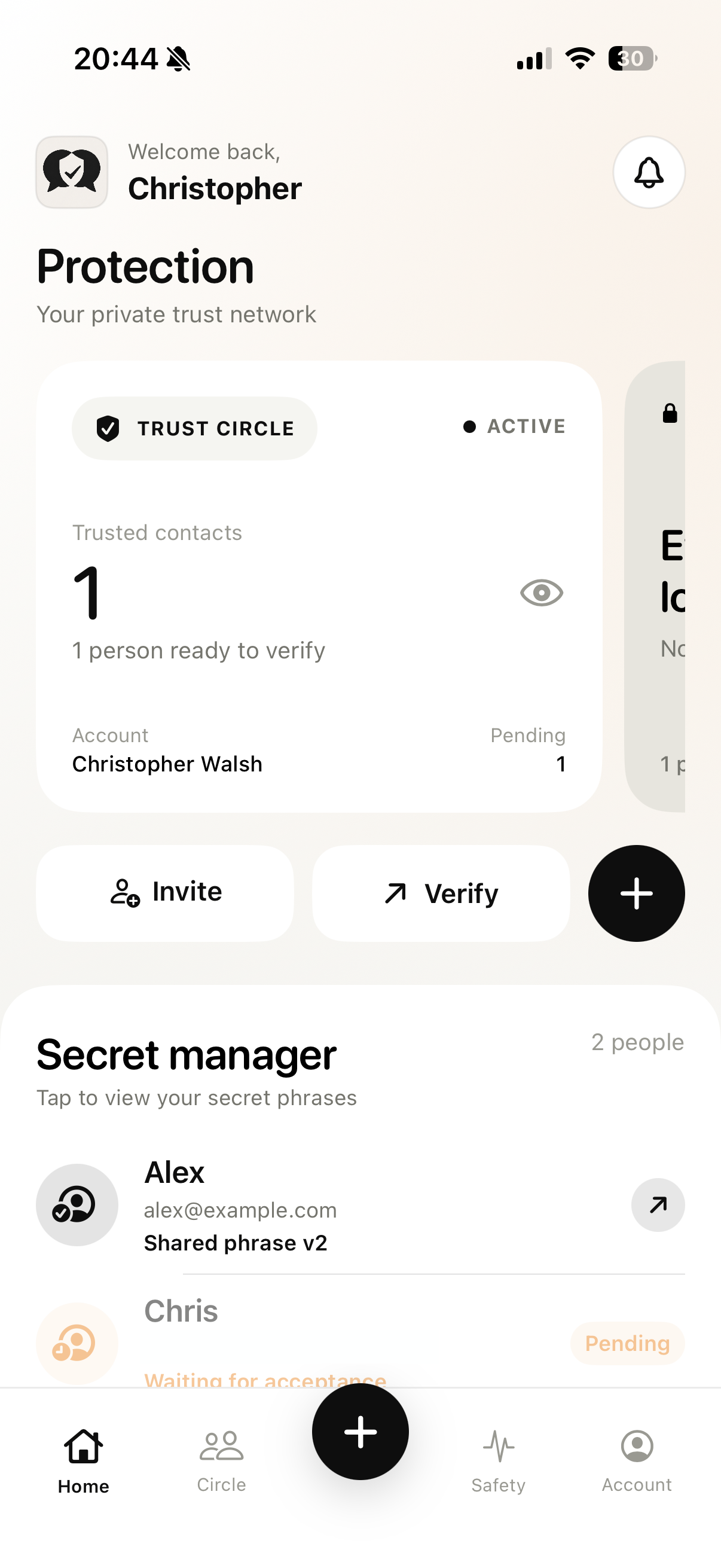
App Store link is a placeholder until the listing URL is ready.
Impersonation scams often create emotional pressure. Urgency can cause people to act before independently verifying who they are communicating with. ScamDefend adds a simple extra verification step.
Today’s impersonation scams can look and sound convincing. ScamDefend gives your family a private verification step for the moments when normal safety checks may not be enough.
A scam call may appear to come from your loved one’s real phone number.
A real messaging, email, or social-media account can be taken over and used to send a convincing request.
AI voice cloning can make a caller sound remarkably like someone you know.
When someone says “I’ve been arrested” or “I need money now,” emotional pressure can make people skip normal safety advice.
Your loved one may not answer a callback, leaving you unsure whether the request is genuine.
Set this up before a suspicious call or message happens — so you already have a private way to check.
Invite parents, grandparents, partners, children, relatives, or other people you trust by email.
Each accepted relationship receives its own unique shared verification phrase.
If you get an unexpected request involving money, codes, accounts, or urgent help — stop before acting.
Contact your loved one independently and use your shared phrase as an additional way to confirm it’s really them.
ScamDefend does not automatically detect these events. You open it on purpose as a verification tool.
Someone claiming to be a loved one suddenly needs money.
Pause → Verify → Then decide
Someone asks you to send them a security or login code.
Pause → Verify → Then decide
You receive an unexpected request involving banking, passwords, email, or another account.
Pause → Verify → Then decide
Someone claims there has been an emergency and pressures you to act immediately.
Pause → Verify → Then decide
A caller sounds like someone you know, but something about the situation doesn’t feel right.
Pause → Verify → Then decide
Create private connections with loved ones.
You control which trusted-circle requests you accept or deny.
Every trusted relationship can have its own verification phrase.
Generate a fresh phrase whenever you want a new one.
Phrase data is encrypted before being stored.
No complicated cybersecurity knowledge is required.
ScamDefend gives families something they can establish before a suspicious call or message happens. Instead of deciding how to verify someone during an emergency, trusted people already have a private verification method available.
ScamDefend is not a public social network. Trusted relationships require invitations and acceptance. Shared phrases are specific to those relationships. Phrase data is encrypted before storage. You can rotate phrases whenever you want.
ScamDefend is not marketed as end-to-end encrypted. It is a private verification tool — an additional step, not a guarantee.
ScamDefend is a private verification app that helps trusted people confirm sensitive requests using shared verification phrases.
No. ScamDefend does not monitor calls or messages or automatically determine whether something is a scam. It provides a verification method families can use when something seems suspicious.
No. ScamDefend provides an additional verification step but cannot guarantee scam prevention.
Before responding to unexpected requests involving money, verification codes, account changes, sensitive information, or urgent situations supposedly involving someone you know.
Once two users establish a trusted relationship, they receive a shared verification phrase that can be used as an additional identity check.
Yes. Users can rotate their shared verification phrase.
Phrase data is encrypted before it is stored. This is not the same as end-to-end encryption.
No. ScamDefend is an independent verification tool and does not replace banks, law enforcement, emergency services, or professional advice.
Anyone who wants an additional private verification method with family members, partners, close friends, caregivers, or other trusted people.
Set up your trusted circle today so that when an unexpected request arrives, you already have another way to confirm it’s really them.
Slow down. Verify first. Protect the people who matter.